
Via QR Code
Step 1: Save this QR code image on your device.
Step 2: Open GCash app
Step 3: Select “PAY QR” and “UPLOAD QR” code image
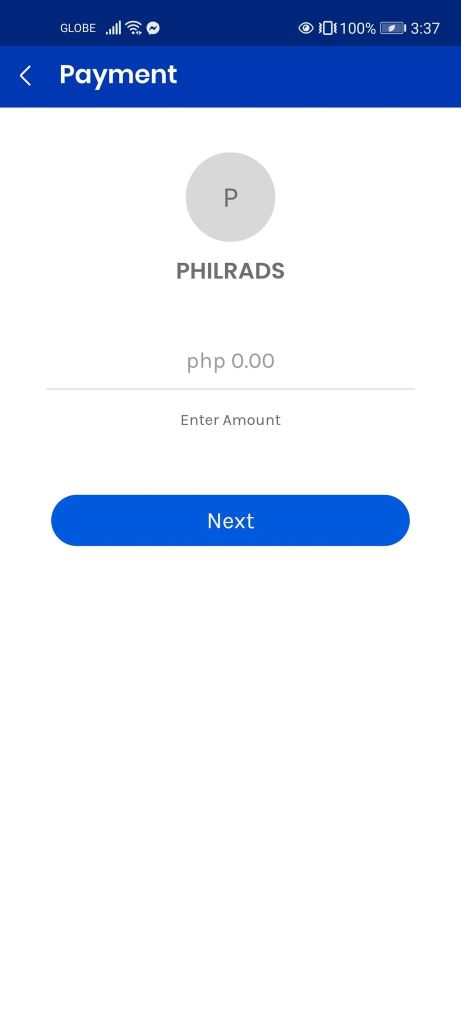
Step 4: Input the amount you wish to donate and tap “NEXT” then “PAY”
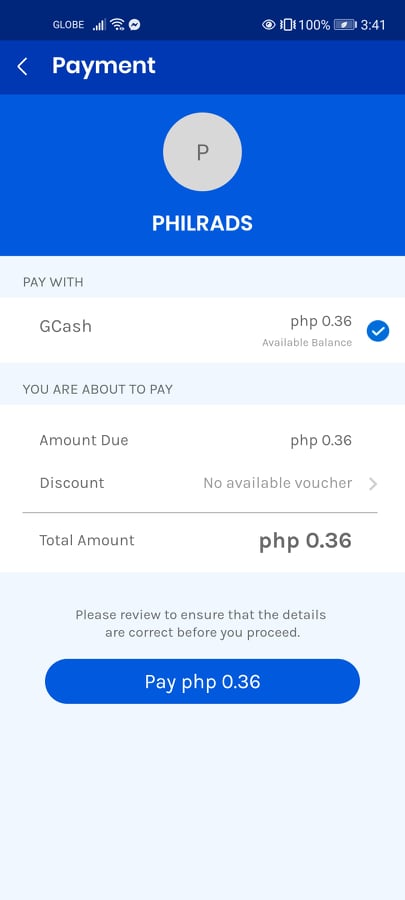
Step 5. You will see your in-app receipt on the screen. Please screenshot the completed transaction and send to finance.philrads@gmail.com to acknowledge your donation. Indicate the program you wish your donation to go to.
YOU’RE DONE! THANK YOU FOR YOUR GENEROSITY.
 Philippine Relief and Development Services Inc.